

How AI Can Automate Business Processes
Find out how AI automates business processes, streamlines tasks, improves workflows, and enables smarter business decisions.
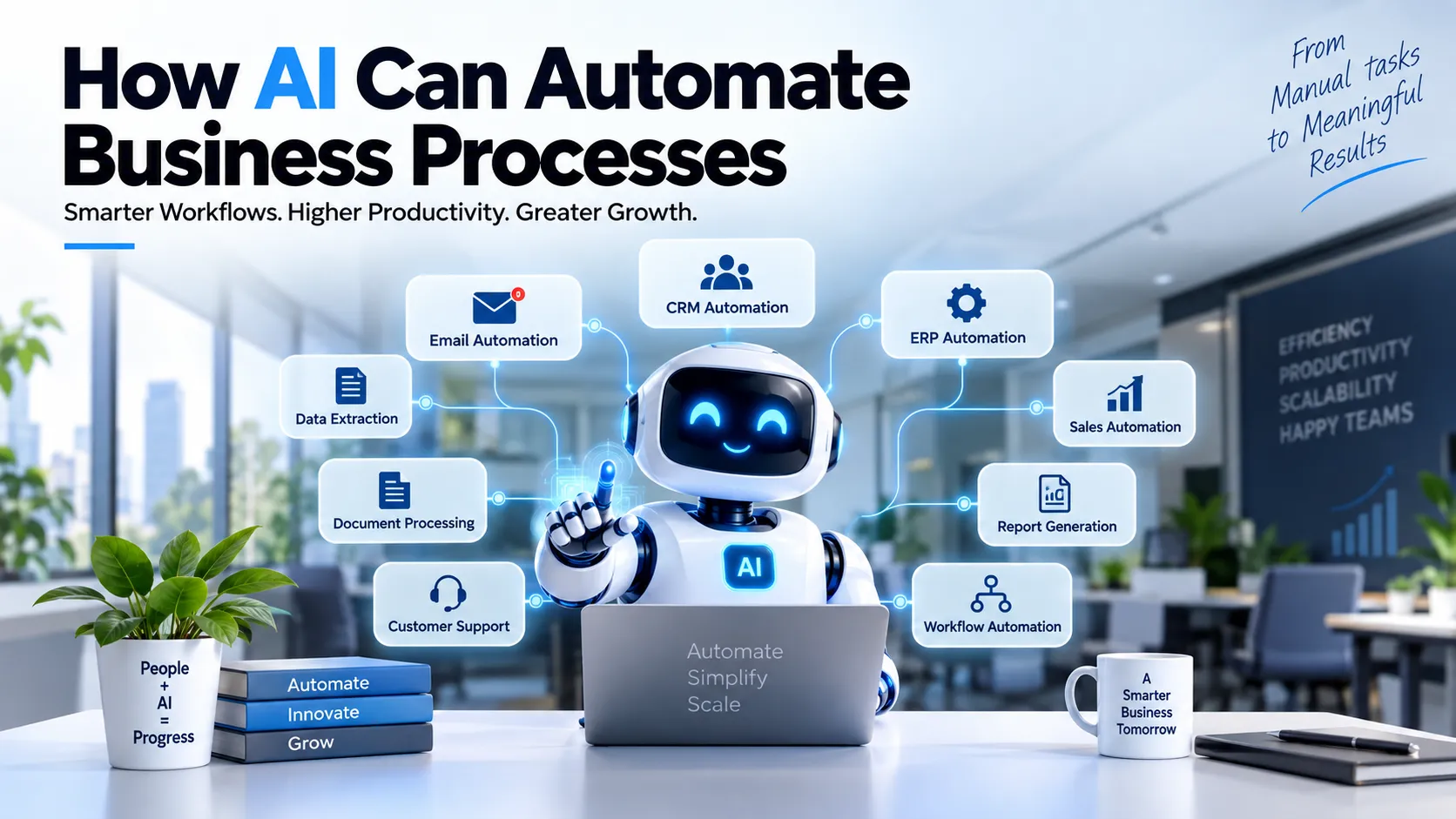
Businesses waste countless hours on repetitive tasks like data entry, processing emails, extracting information from documents and updating CRM records. These tasks may need to be done, but not necessarily by hand at every step.
The opportunity is not just to "use AI". It is to find the right workflows where AI can reduce repetitive manual work while people stay in charge of decisions that matter.
What is business process automation with AI?
It is the use of artificial intelligence to automate repetitive or information-heavy workflows. Traditional automation is rule-based: if X happens, do Y. Where the input varies and needs a little interpretation, AI can take care of the workflow. For example, an AI workflow can receive an email, work out what the customer is asking, pull out the key details and pass them to the right system.
Where AI can automate
- Data extraction: turning emails, documents, forms and invoices into structured data (document data mining, OCR, form handling, classification).
- Email automation: classifying incoming mail, identifying the request, gathering a response and sending it to the right team. Where approval is needed, the AI prepares the answer and an employee decides.
- CRM automation: extracting and classifying leads, updating customer details, assigning leads by business rules, prompting follow-ups and summarising customer interactions.
- ERP workflow automation: processing data and documents, routing requests and keeping records updated. AI can complement an ERP system, not replace it.
- Intelligent workflow automation: understanding the information, deciding the route, taking the business action and asking for human review when needed.
- Web automation: gathering information, moving data between systems and running predefined actions, with proper controls on permissions and data access.
- Customer service automation: understanding queries, answering frequent questions, routing complex issues and creating support records.
- Sales process automation: lead capture, classification, CRM updates, follow-up reminders and reporting.
AI automation and traditional automation
Traditional automation is mainly rule-based and works well for predictable, repetitive processes. AI-based automation can handle variable inputs and less structured information, and it helps with classification and routing. Many organisations use both: for example, AI reads an incoming document, traditional automation updates the database and a business rule triggers a notification.
Advantages
- Less repetitive manual work, so employees spend more time on communication, creativity and analysis.
- More consistent workflows.
- Faster processing of large amounts of structured and unstructured information.
- Connected business systems through integrations and APIs.
- Better support for decisions, with human oversight where the consequences are significant.
How to select processes to automate
- Step 1: find repetitive tasks, such as duplicate data entry, email processing, record updates, data extraction and regular reports.
- Step 2: map your existing workflow: input, processing steps, business rules, systems used, human approvals and output.
- Step 3: identify the bottlenecks, where people spend the most time or information is held up.
- Step 4: assess whether AI is appropriate: is it repetitive, is there enough data, does it involve interpreting information, are the rules clear, can it connect to your systems, and where is human approval needed?
- Step 5: begin with one well-defined workflow before you automate the whole organisation.
- Step 6: measure process time, manual steps, errors and workflow completion.
An AI automation project, step by step
- Workflow discovery.
- Automation opportunity assessment.
- Solution design, with workflow logic, integrations and human approval points.
- Development.
- Integration with business applications and data sources.
- Testing of normal, exception, permission and failure flows.
- Deployment.
- Monitoring and optimisation.
What should not be automated with AI
AI is not a substitute for human decision-making. Look carefully at processes that involve confidential information, high-stakes decisions, regulatory or legal obligations, financial sanctions, security-sensitive actions, complex exceptions or professional judgement. AI can help process information in these workflows, but people keep control and approval.
For businesses of every size
- Small businesses can start with targeted workflows like email handling, lead processing, customer service, data collection and CRM updates.
- Growing companies can connect several systems and automate workflows across sales, support, operations and reporting.
- Enterprises may need wider workflow orchestration, integrations, governance, permissions and monitoring.
Summary
The most value comes when AI solves a defined, specific business problem. Instead of asking "where can we use AI?", ask: what repetitive workflow is slowing our team down, and what part of it can be intelligently automated? Automate real workflows, integrate with your existing systems and keep the right level of human supervision.
Frequently asked questions
What is AI business process automation?
It uses artificial intelligence to carry out specific repetitive or information-heavy business tasks and workflows, such as data extraction, email handling and request routing.
What business processes can AI automate?
Emails, documents, data extraction, customer support, CRM workflows, ERP workflows, sales processes and other repetitive, information-heavy tasks.
Is AI automation better than traditional automation?
They solve different problems. Traditional automation is good at predictable, rule-based processes; AI can help where inputs vary and information has to be interpreted. Many businesses use both.
Can AI automate CRM processes?
Yes. AI can help with CRM workflows such as pulling lead information, updating records, classifying leads, starting follow-ups and routing leads.
Can AI automate ERP processes?
It can help with certain ERP processes, such as information processing, data extraction, routing and repetitive updates.
Will AI automation replace employees completely?
Not necessarily. Selected repetitive tasks can be handled by AI automation while employees continue to handle decisions, exceptions and approvals.
How do I know if my business needs AI automation?
Look for processes that are repetitive, time-consuming and information-heavy. Then assess the process, the data, the integrations, the business rules and where human approval is needed.