

Website Security Checklist: 12 Things Every Business Site Needs
A short, practical security checklist for business websites: HTTPS, updates, backups, passwords, forms and more. Protect your visitors and your reputation.
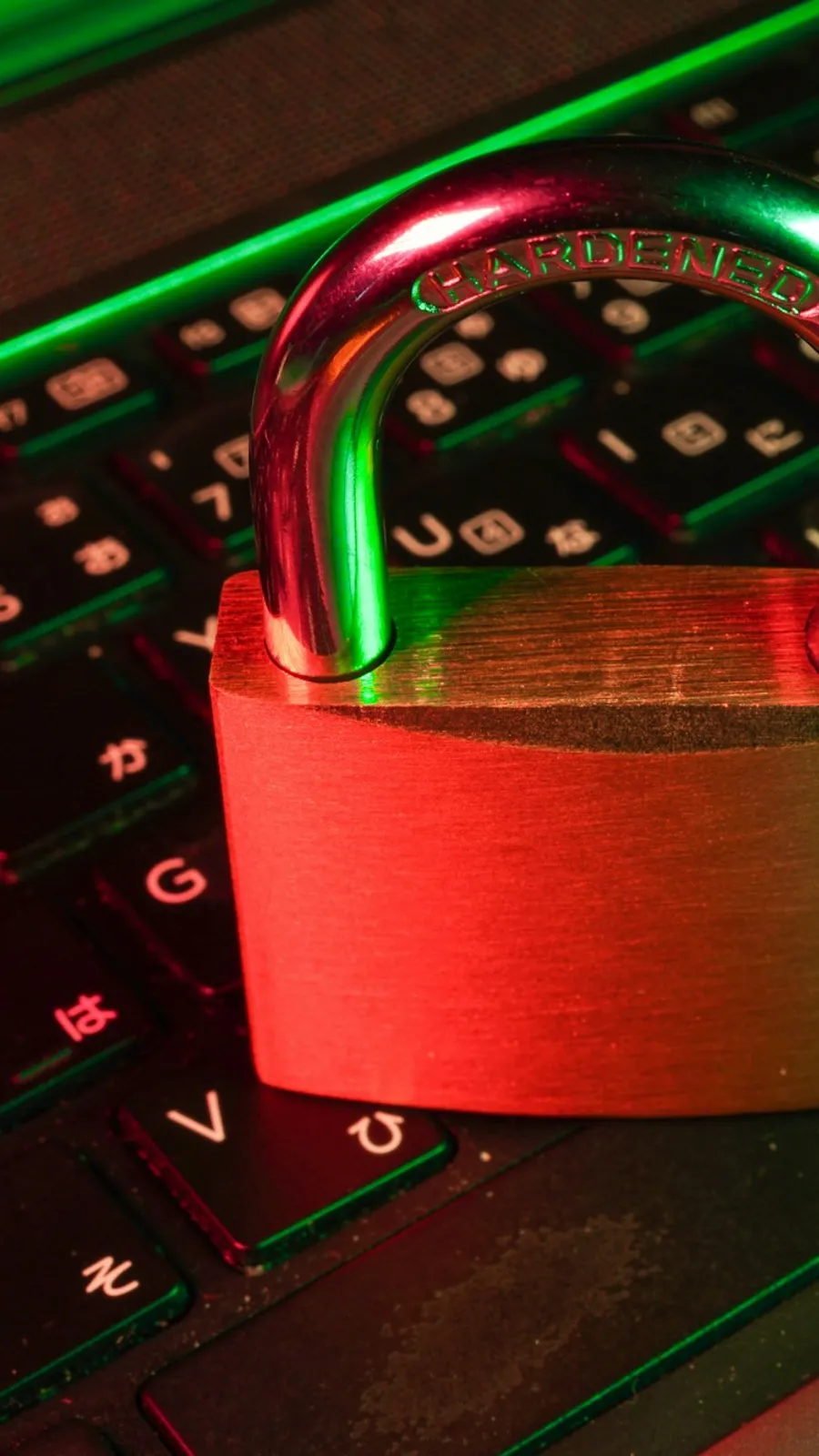
Website security is mostly about doing the basics consistently. Use this checklist to review your site or to brief the team that builds it.
1. HTTPS everywhere
Use a valid certificate and redirect all traffic to the secure version. It protects data in transit and is expected by browsers and search engines.
2. Keep software updated
Update the CMS, themes, plugins and libraries promptly. Outdated components are the most common way in.
3. Strong, unique passwords
Use a password manager, and never share one login between people. Remove accounts of former staff or contractors.
4. Two-step login
Turn on two-factor authentication for the admin area, hosting and domain accounts.
5. Limit what each user can do
Give people only the permissions they need. Most editors do not need administrator rights.
6. Regular backups
Back up the files and the database on a schedule, keep copies away from the server and practise restoring.
7. Protect your forms
Validate input on the server, add spam protection and rate limits, and never trust what a browser sends.
8. Security headers
Add headers such as content security policy, frame options and no-sniff to reduce common attacks.
9. Choose plugins and packages carefully
Install only what you need from trusted sources, and remove what you stop using.
10. Protect the admin area
Hide or restrict it, limit login attempts and log activity.
11. Monitor and log
Watch for unusual traffic, failed logins and file changes, and alert someone who will act.
12. Have a plan
Write down who does what when something goes wrong: who restores, who informs customers and who talks to the hosting company.
Get a review
We3vision builds sites with security in mind and can review an existing one. We will give you a short list of fixes in order of importance.
Frequently asked questions
Is a small business website a target for attackers?
Yes. Automated attacks scan for weak sites of every size, so basic protection matters for everyone.
How often should I take backups?
Daily for active sites, stored away from the web server, and test restoring them at least occasionally.
What should I do if my site is hacked?
Take it offline or into maintenance mode, restore a clean backup, change all passwords and keys, update everything and find out how they got in.