

Multiplayer Game Architecture: Client vs Server
How online games keep players in sync: peer-to-peer or client-server, why the server should decide the truth, and how state is sent to players.
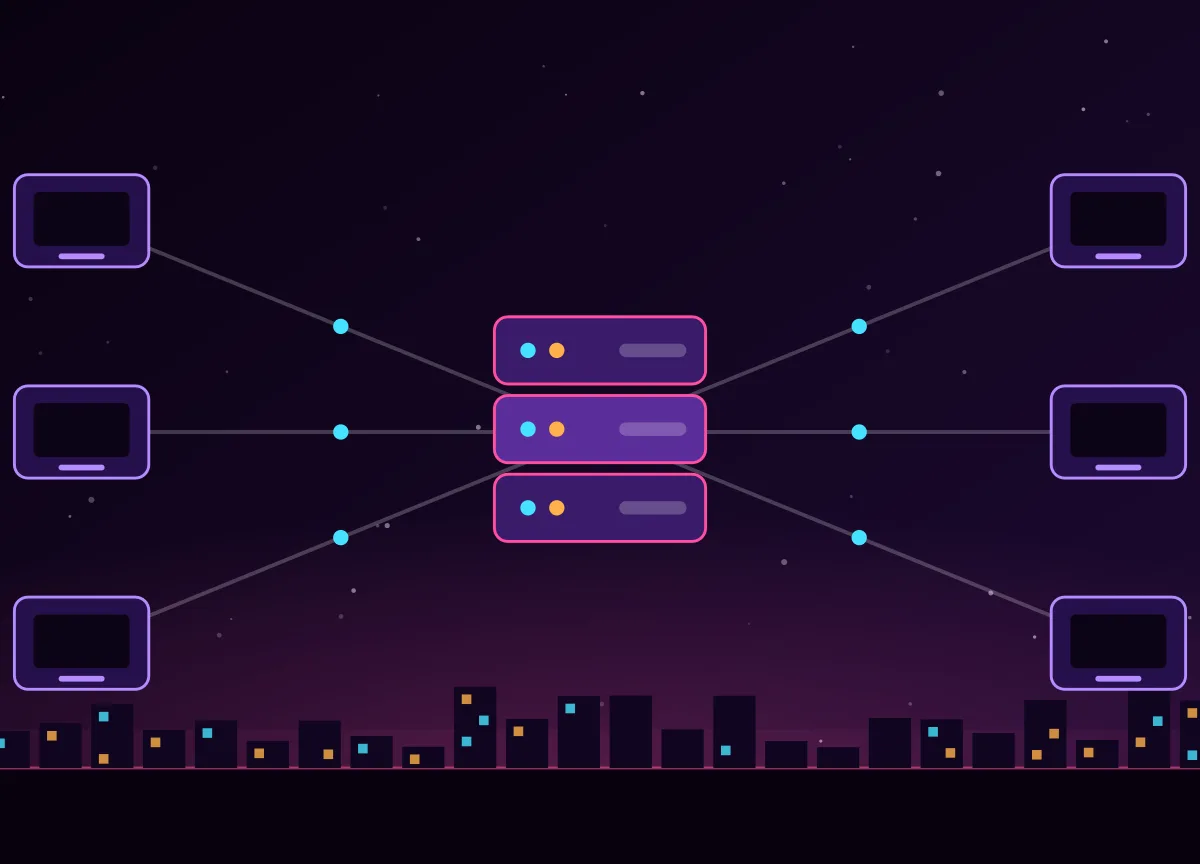
In an online game every player sees the same world on their own screen, but no single screen holds the truth. Somebody has to decide what really happened: who got to the door first, whether a shot hit, where a car is. How that job is shared between the players' devices and a server is called the multiplayer architecture, and it is one of the first decisions in an online project.
Peer-to-peer
In a peer-to-peer game the players' devices talk to each other directly. It needs few servers and is cheap, but it has weaknesses: every player's connection matters, a player behind a strict router may not connect, and a cheating player can send false information that others believe. Peer-to-peer is common in small games and some fighting and sports games.
Client-server
In a client-server game every player (the client) connects to one program, the server. The clients send what the player wants to do, for example move forward, turn, or fire. The server runs the game, decides the result and sends the new state back to every client. For open-world online games this is the usual choice, because the server can also manage accounts, save progress and keep cheaters out.
Why the server should be authoritative
A server is authoritative when the clients can only ask and the server decides. The client says: I pressed forward. It does not say: I am now at this position. That way a modified client cannot teleport or give itself weapons. The rule for security is simple: never trust the client. More about this is in anti-cheat and security.
Dedicated server or player host?
- Dedicated server: a program that runs only the game, on a computer you control. It is the most reliable and secure
- Listen server: one player's game also acts as the server. It costs nothing, but the host has an advantage and the game ends when they leave
- Cloud servers: dedicated servers started on demand when players are waiting, and stopped when they leave
What is sent over the network
- Inputs from client to server, many times a second
- State updates from server to client: positions, rotations, animation state, health
- Events: a door opened, a mission started, a message was sent
- Only what a player can see or needs: sending the whole world to everyone would use too much bandwidth. This is called interest management
Speed matters more than size, so games usually use UDP, which is fast but does not guarantee delivery, and add their own reliability only for the messages that need it. Browser games use WebSockets or WebRTC. Engines include ready-made tools: Netcode for GameObjects and other packages in Unity, and the replication system in Unreal Engine.
Even the best architecture has delay, so the next step is to hide it: read netcode basics: lag, prediction and interpolation. Growing to many players is the topic of how game servers scale. The full overview is in how online open-world games are made.
Frequently asked questions
What is the difference between peer-to-peer and client-server?
In peer-to-peer the players' devices talk directly to each other. In client-server every player talks to a central server that decides what happens. Client-server is safer and easier to control, and it is the usual choice for large online games.
What does authoritative server mean?
It means the server makes the final decision about the game state. Clients only send their inputs and show what the server tells them, so a modified client cannot cheat by sending false positions or results.
Why do online games use UDP?
UDP is faster than TCP because it does not wait for lost packets to be resent. For fast-moving game data an old update is useless anyway, so games use UDP and add their own reliability only where it is needed.